“Very good reception, perfectly in line with the description, connects without any problems.”
Anonymous buyer — France
18 September 2026
Variant: 1pcs
“Very functional. Easy to set up and works with other Tuya devices.”
Anonymous buyer — Brazil
12 October 2026
Variant: EU Plug
“everything ok, very fast shipping”
Anonymous buyer — Italy
30 January 2026
Variant: EU Plug
“Great product , very useful and easy to use”
Anonymous buyer — Israel
20 July 2026
Variant: EU Plug
“Good product, I haven't tried it yet but it looks like good quality.”
O***z — Mexico
22 December 2025
Variant: US Plug
“It arrived complete and the setup wasn't that long.”
Anonymous buyer — Colombia
26 December 2025
Variant: US Plug
Selected product reviews originally posted on AliExpress. These are not Novelcor purchase reviews. Shipping comments refer to the original seller.
Questions
How does the SOS button work?
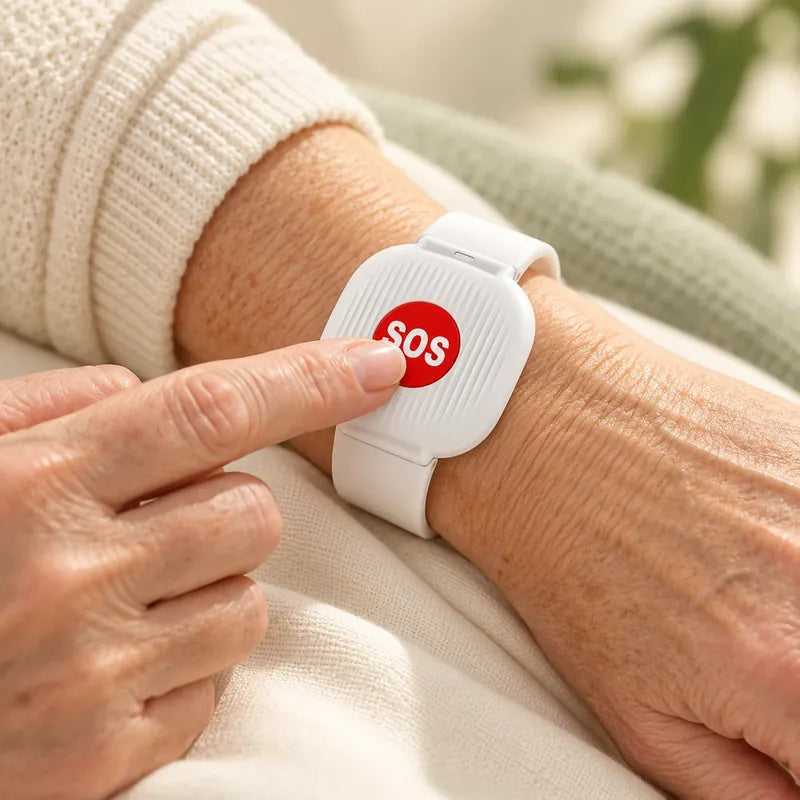
It works by manual activation: someone presses the red SOS button on the wristband and an alert notification is sent to the app on your phone. It does not detect falls and does not send alerts by itself.
What do I need to set it up?
A compatible 2.4 GHz home Wi‑Fi network and a smartphone with the app. Set up the app and connect the wristband to your home network following the instructions that come with the device.
Which pack should I choose?
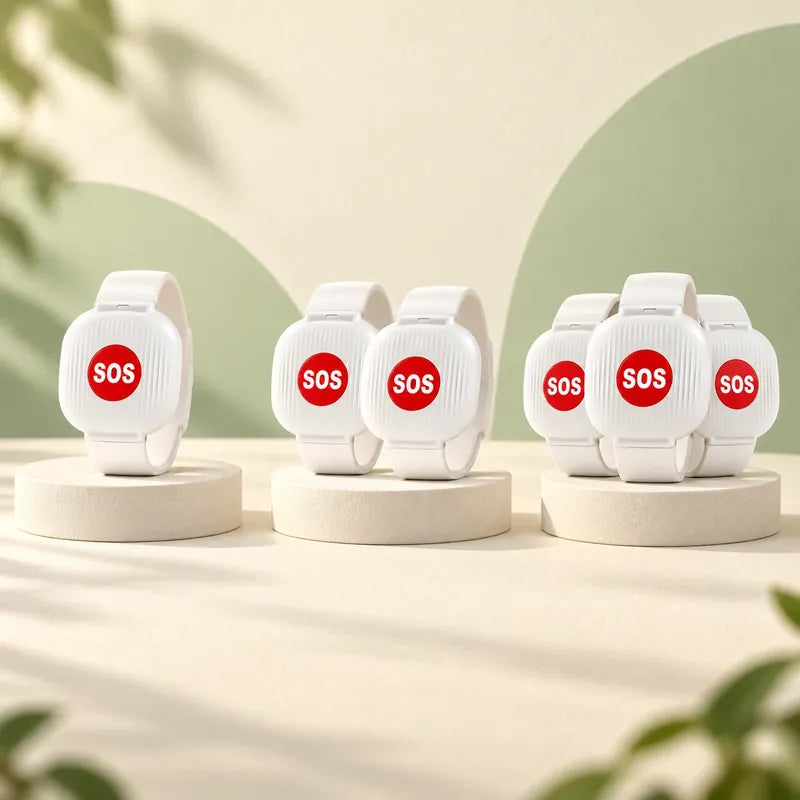
Choose by the number of wristbands you need, for example one for each person who will wear one. Packs with more wristbands can cost less per wristband; the selector at the top of the page shows the saving in your currency.
What is included in each pack?
The Individual Pack includes 1 wristband, the Family Pack includes 2 and the Extended Pack includes 3. You add one pack to your cart at a time.